The First National Bank & Trust Co. is now Brooks Bank. New name, same people, same community banking you trust. Learn More

Your Bank Account,
Your Schedule

Online banking, mobile deposit, bill pay, and money management tools that let you handle your finances from anywhere in Oklahoma City and surrounding areas, anytime you need to.

Online Banking

Banking From Anywhere

Brooks Bank's online banking services give you the convenience of managing your online bank account from any device, at any time. View balances, transfer funds, pay bills, deposit checks from your phone, and track your spending, all without visiting a bank location. Link your online banking checking account and savings in one place. It is the same personal banking experience customers trust, available on your schedule.

Digital Banking Tools

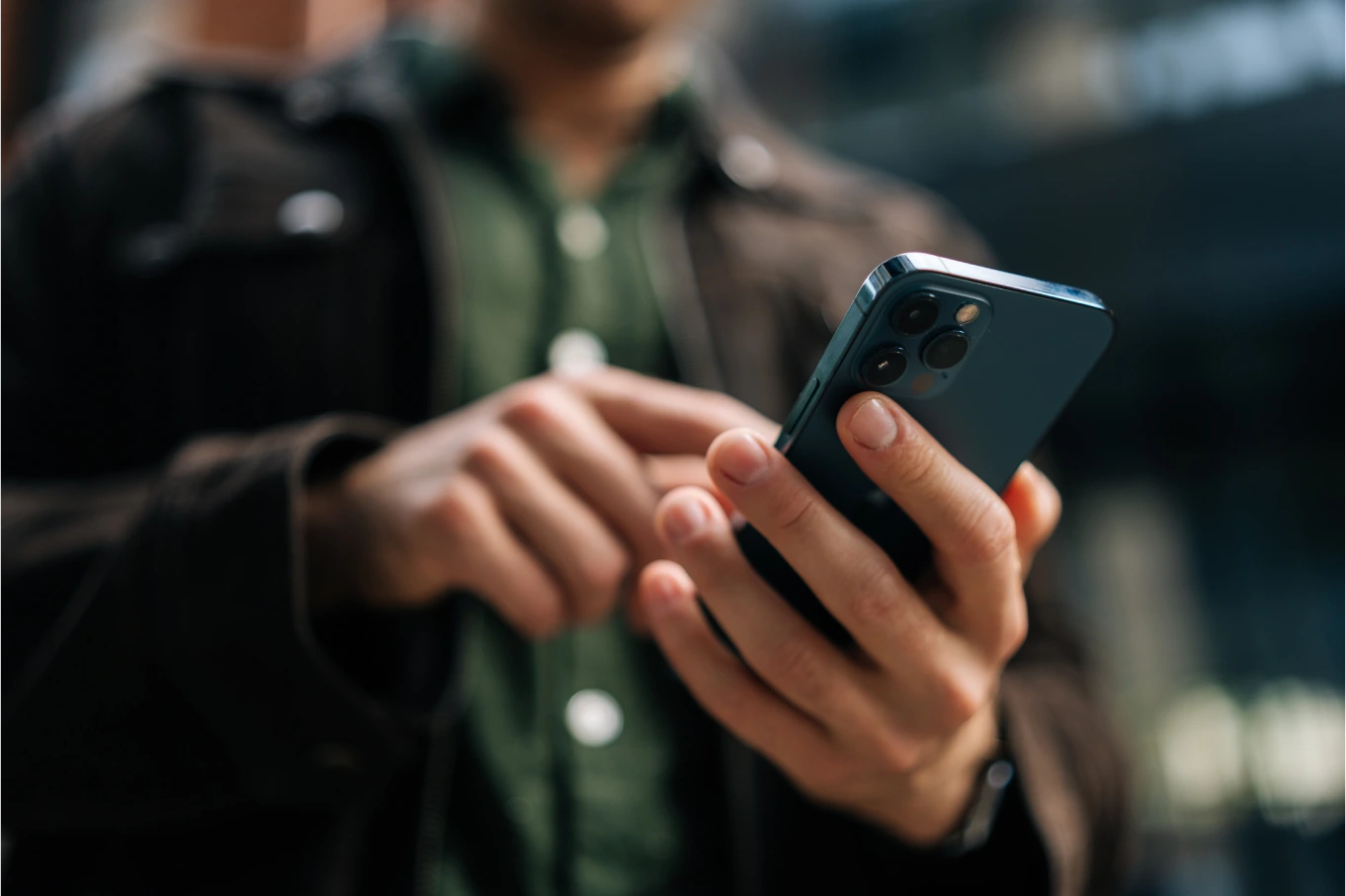
Everything you need to manage your online bank account from
your phone, tablet, or computer.

Online Banking

View balances, transfer funds, pay bills, and manage your accounts from any browser.

Online Banking

  • View balance and transaction information
  • View images of posted checks
  • Transfer funds between your Brooks Bank accounts or to accounts at other banks
  • Personalize check styles and orders
  • Download account information into your financial software
  • Free with any Brooks Bank account

Mobile Banking App

Bank from your smartphone with the Brooks Bank mobile app, available for iOS and Android.

Mobile Banking App

  • All the features of online banking, optimized for your phone
  • Check balances, transfer funds, deposit checks, and pay bills on the go
  • Compatible with both iOS and Android devices
  • Free to download and use
  • Third-party data fees may apply

Remote Deposit Capture

Deposit checks from anywhere by snapping a photo with your phone.

Remote Deposit Capture

  • Snap a photo of the front and back of your check through the mobile app
  • Checks deposited by 3:00 p.m. on a normal banking day are credited to your account that day
  • Endorse checks with your signature and 'For Mobile Deposit Only.' Daily and monthly deposit limits may apply

E-Statements

Go paperless with secure electronic statements delivered through online banking.

E-Statements

  • Access up to 12 months of statements instantly through online banking
  • Receive email notification when your new statement is ready
  • Download statements in PDF format for tax or record-keeping purposes
  • To enroll: log in to online banking, select the online statements tab, enter your confirmation code, and click accept

Personal Bill Pay

Pay bills quickly and easily through online banking without writing a single check.

Personal Bill Pay

  • Pay any merchant or individual in the United States
  • Schedule one-time or recurring payments
  • Set up payment reminders so you never miss a due date
  • Additional fees may apply for the bill pay service
  • See the fee schedule for details

Insufficient items, copies of canceled checks and stop payments issued, may incur fees.

Money Management

Track your spending, set budgets, and see your full financial picture in one place.

Money Management

  • Built into online banking
  • Automatically categorizes your transactions
  • Set spending budgets and track progress
  • View trends over time
  • Connect accounts from other financial institutions for a complete picture
  • Free for Brooks Bank online banking customers

The above services are subject to the Internt Banking Disclosure.

Adobe Reader is required to view the disclosure and the Quick Start Guide. Download a free version of the tool here.

Additional fees may apply for bill pay account, click here for the fee schedule

Third-party fees for internet, messaging, or data plans may apply when using online banking.

Third-party fees for internet, messaging, or data plans may apply when using online or mobile banking. Additional fees may apply for bill pay accounts.

Trusted Stories ‍in Motion

Faqs

Frequently Asked Questions

Is there a service fee for using the Remote Deposit Capture feature?

No, there is not a fee to use the Consumer Remote Deposit Capture service.

What is the daily and monthly limit for mobile check deposits?

We have established limits for safety and security, but we also want the service to work for you. Limits may be adjusted to meet our customers' needs. Contact a banker for details.

How do I opt-in to go paperless and receive e-statements?

Log in to online banking, select the online statements tab, enter your confirmation code, and click accept. Once enrolled, you will receive an email notification each time a new statement is ready. You can also ask a banker at any location to help you get set up.

What security measures are in place to protect my mobile banking data?

Brooks Bank's mobile app includes built-in security features, as well as biometric and password protections. In addition, the Card Suite Lite app gives you more control over protecting your debit card by letting you turn your card on or off instantly from your phone.

How do I reset a forgotten online banking password?

For personal accounts, you can call the bank and any frontline staff member can help you through the process of resetting your password. There is also a Forgot Password option available online or in the app. For business accounts, password resets are handled through Treasury Services.

How do I enroll in online banking for the first time?

For personal accounts, you can either download the Brooks Bank mobile app and sign up through the app, or visit our website and begin the online banking signup process. This works for any customer in the Oklahoma City area with a Brooks Bank account. For business accounts, a Business Banking application must be filled out first, and then our Treasury Services team will contact you to help you sign in for the first time.

How do I properly endorse a check for a mobile app deposit?

Sign the back of the check with your name and write 'For Mobile Deposit Only' beneath your signature. Then open the Brooks Bank mobile app, select the deposit option, snap a photo of the front and back of the check, enter the amount, and submit. Checks deposited by 3:00 p.m. on a normal banking day are credited to your account that day.

How far back can I access my past bank statements online?

Through online banking, you can access up to 12 months of e-statements. Statements are available in PDF format and can be downloaded or printed for tax or record-keeping purposes at any time.

How can I send money to friends and family?

For person-to-person transfers, you can use online banking to transfer funds to accounts at other banks, or contact a banker for other options.

Can I pay utility bills and other merchants through the mobile app?

Yes. Brooks Bank's Personal Bill Pay feature lets you pay any merchant or individual in the United States through online and mobile banking. You can schedule one-time or recurring payments and set up reminders. Additional fees may apply.

Is the mobile banking app compatible with both iOS and Android?

Yes. The Brooks Bank mobile banking app is available for both iOS and Android devices. Download it from the App Store or Google Play and follow the enrollment instructions to get started.

Contact us

Get in touch today!

Have questions or need assistance? Our team is here to help. Whether you’re looking for more information about our services, need support with your account, or want to explore how we can work together, feel free to reach out. Contact us anytime and we’ll get back to you as quickly as possible.

*Do not provide confidential personal or account information when completing this form.